
N-Zik is a multilingual, open-source Android app for streaming music from YouTube Music. N-Zik Desktop Compagnon, its desktop companion, brings your library and playback to Windows and Linux.
 Get it on GitHub
 Get it on GitHub (Beta)
 Get it on F-Droid
 Get it on IzzyOnDroid
 Get it on OpenAPK
 Get it on AndroidFreeware
 Get it on Obtainium
 Get it on Appteka
 N-Zik launched on DevGlobe
N-Zik Desktop Compagnon
The desktop companion for Windows and Linux: pair it with your phone over local Wi-Fi (QR code or manual code), then browse your library, manage the queue and listen on a large screen while your phone streams the audio through an embedded VLC, no VLC install needed. The phone stays the single source of truth, and the companion is a transitional product on the way to the standalone N-Zik desktop app.
N-Zik Desktop Compagnon launched on DevGlobe
N-Zik Desktop Compagnon · Windows & Linux


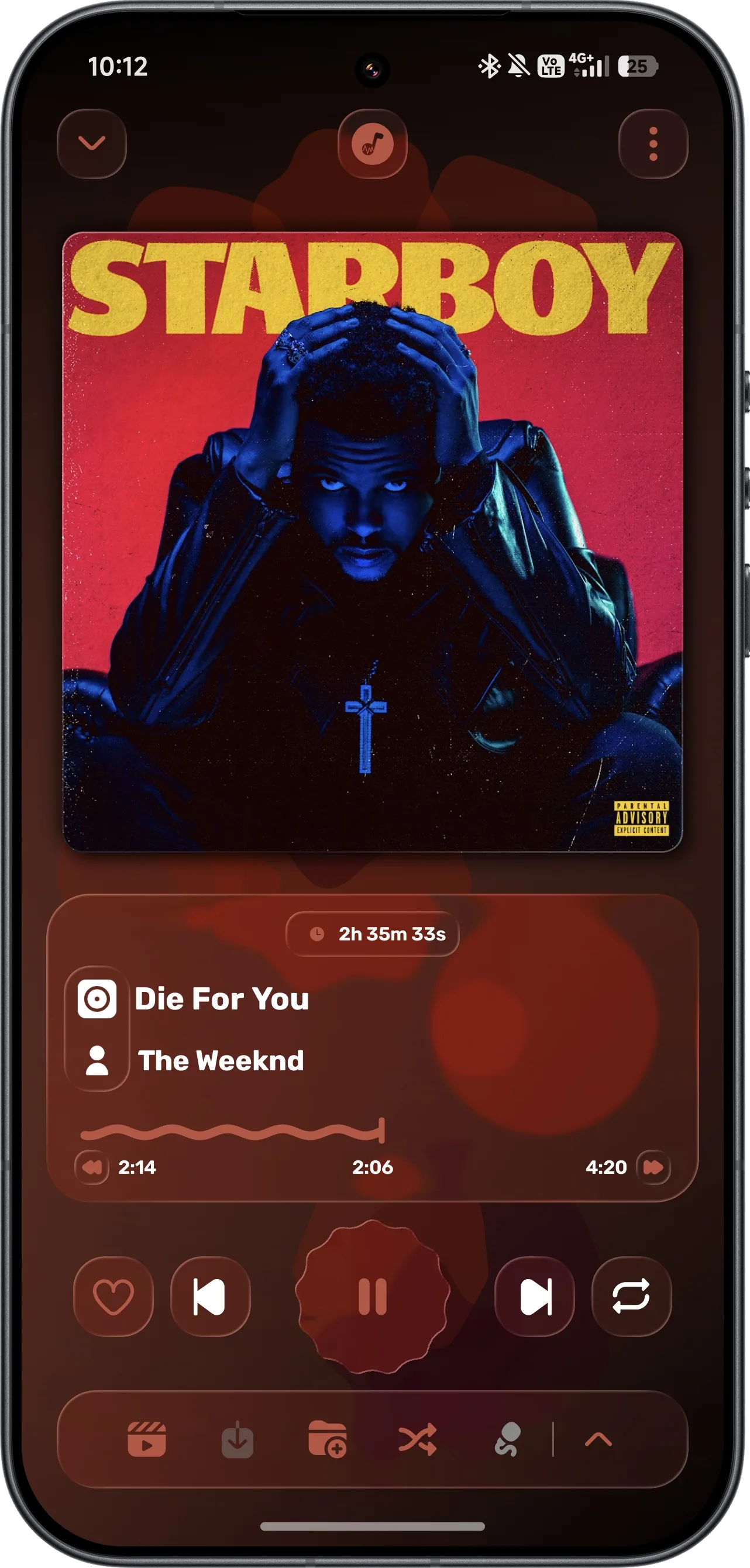
Modern & Intuitive UI.
A customizable interface with seamless navigation, YouTube integration, and an optional Glass player.

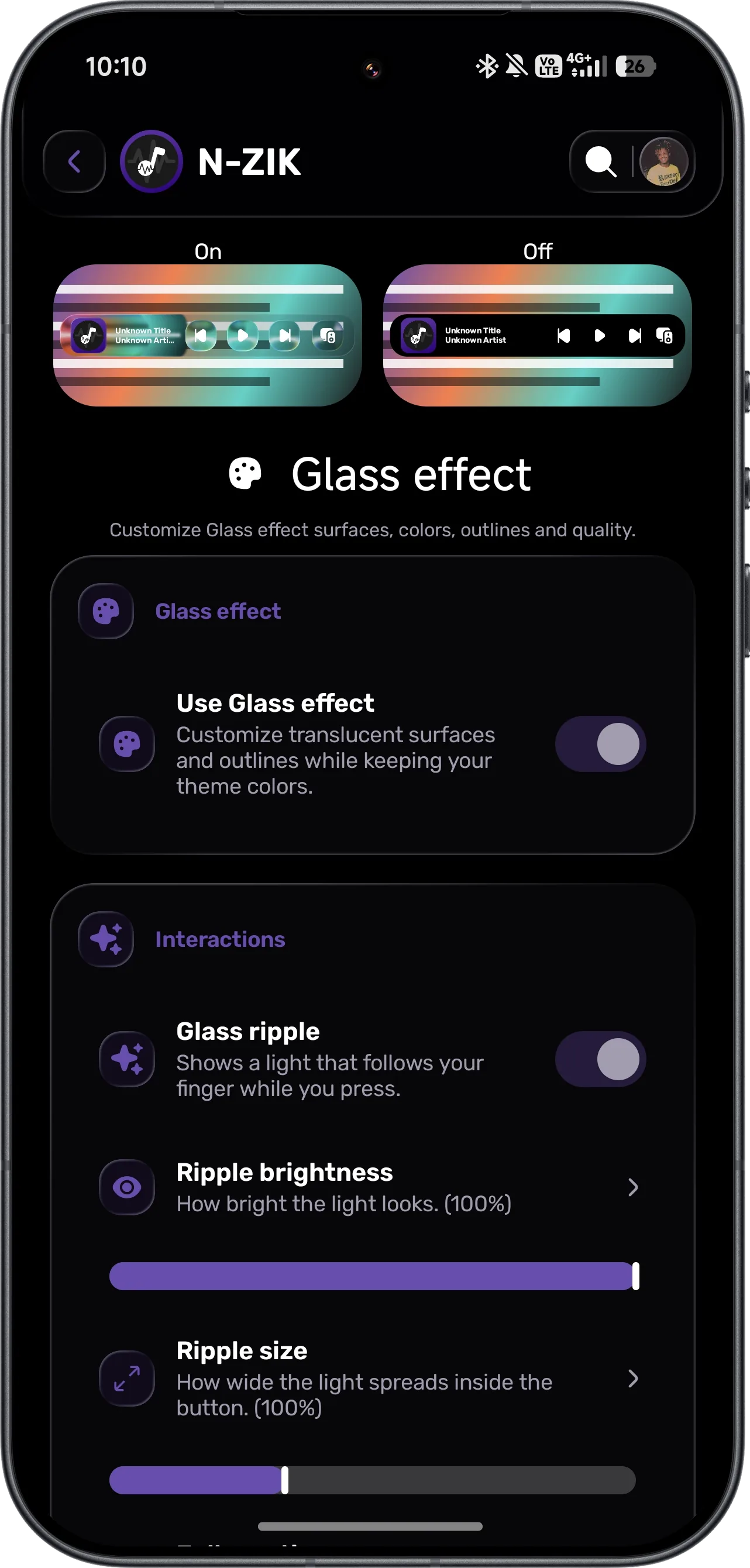
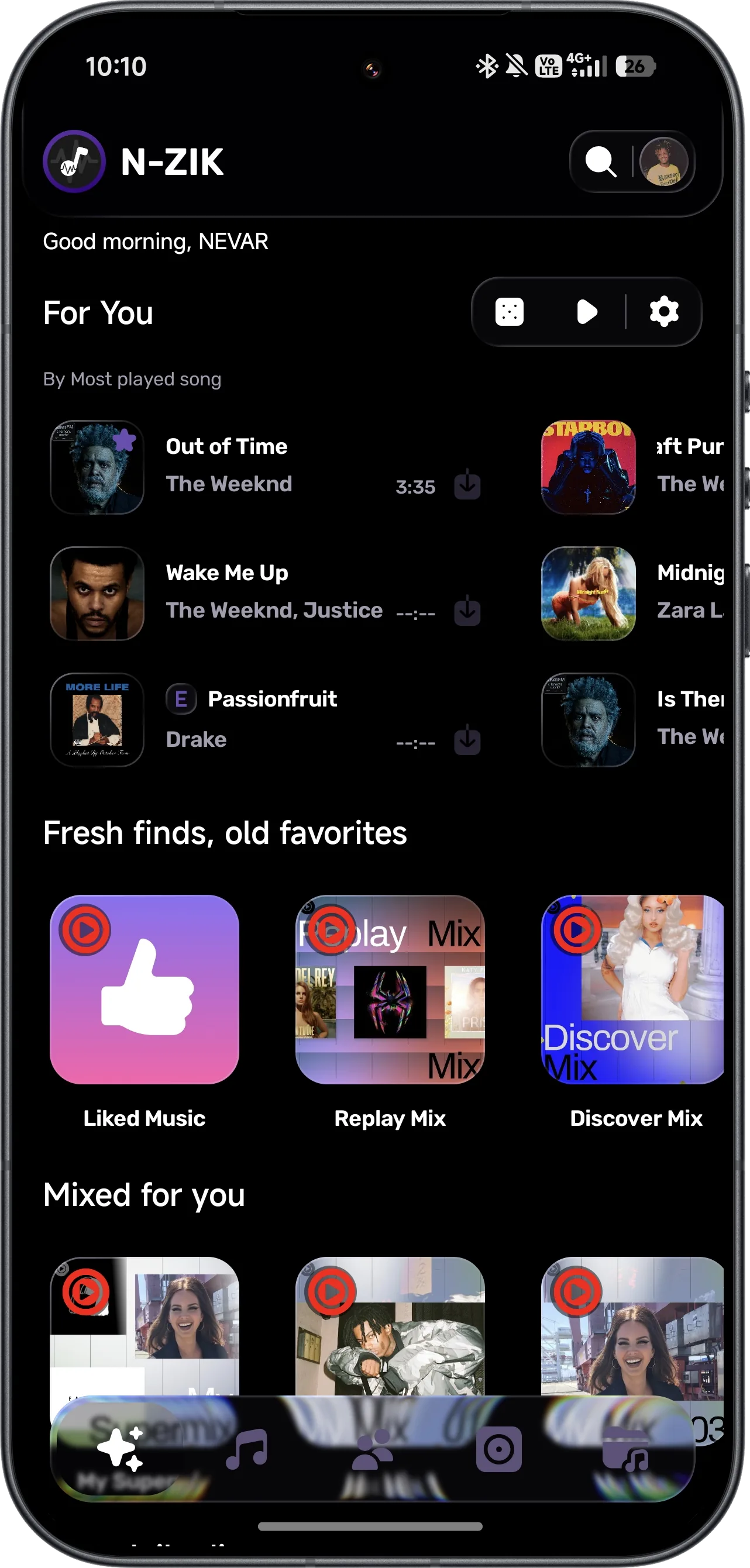
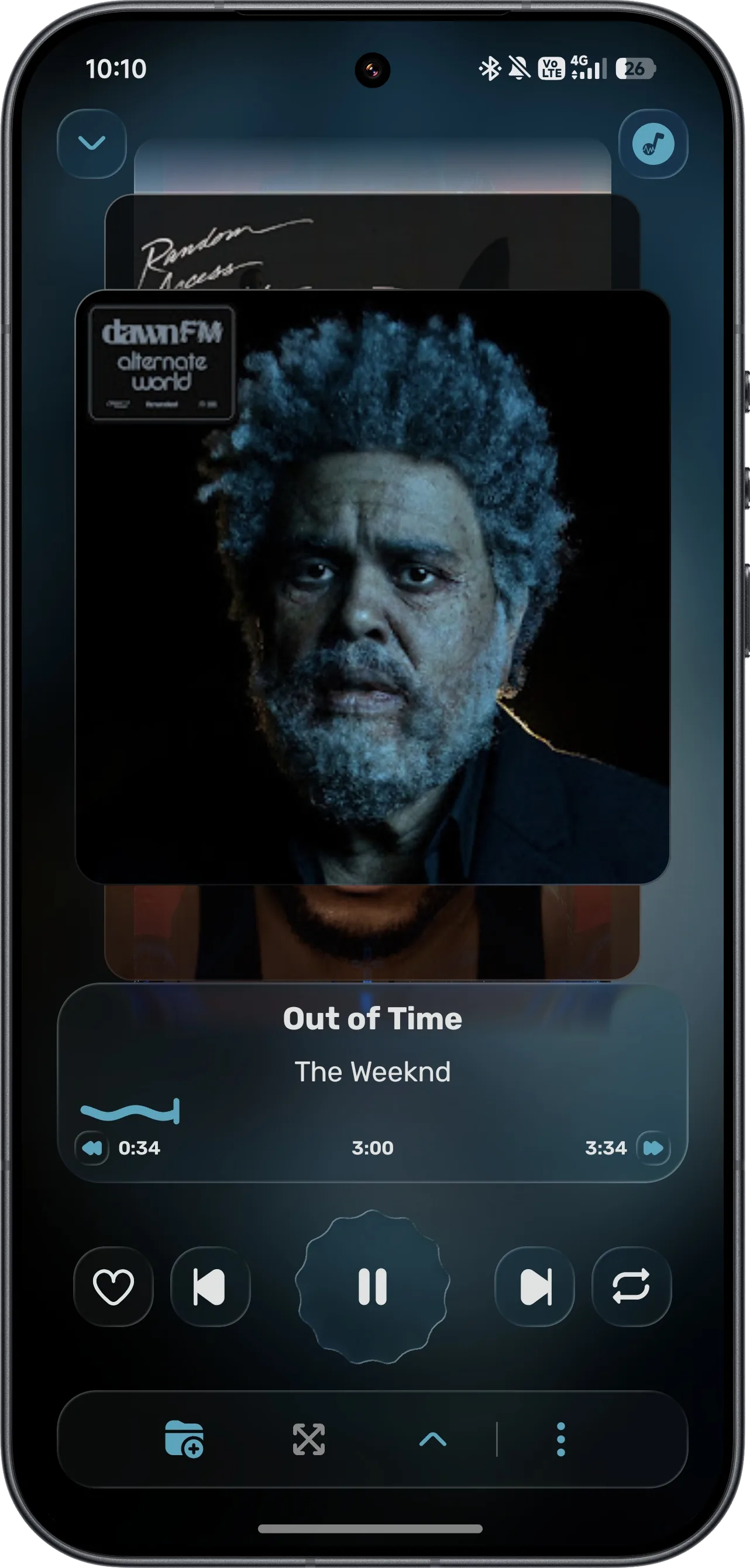
Glass (BETA)
Glass is off on fresh installs. In Settings, choose native, contour-only or Glass presentation by category and adjust rendering quality. Glass may increase rendering work and battery use; lower its quality or disable it to suit your device.
Android app Glass credits: Square / Convx Project (GPL-3.0); Kyant0 AndroidLiquidGlass / Backdrop (Apache-2.0).

Advanced Lyrics Support.
Fetch, display, edit, and translate lyrics in real-time with precise word-by-word synchronization.


Immersive Audio Visualizer.
Enjoy real-time visual effects synchronized perfectly with your music.

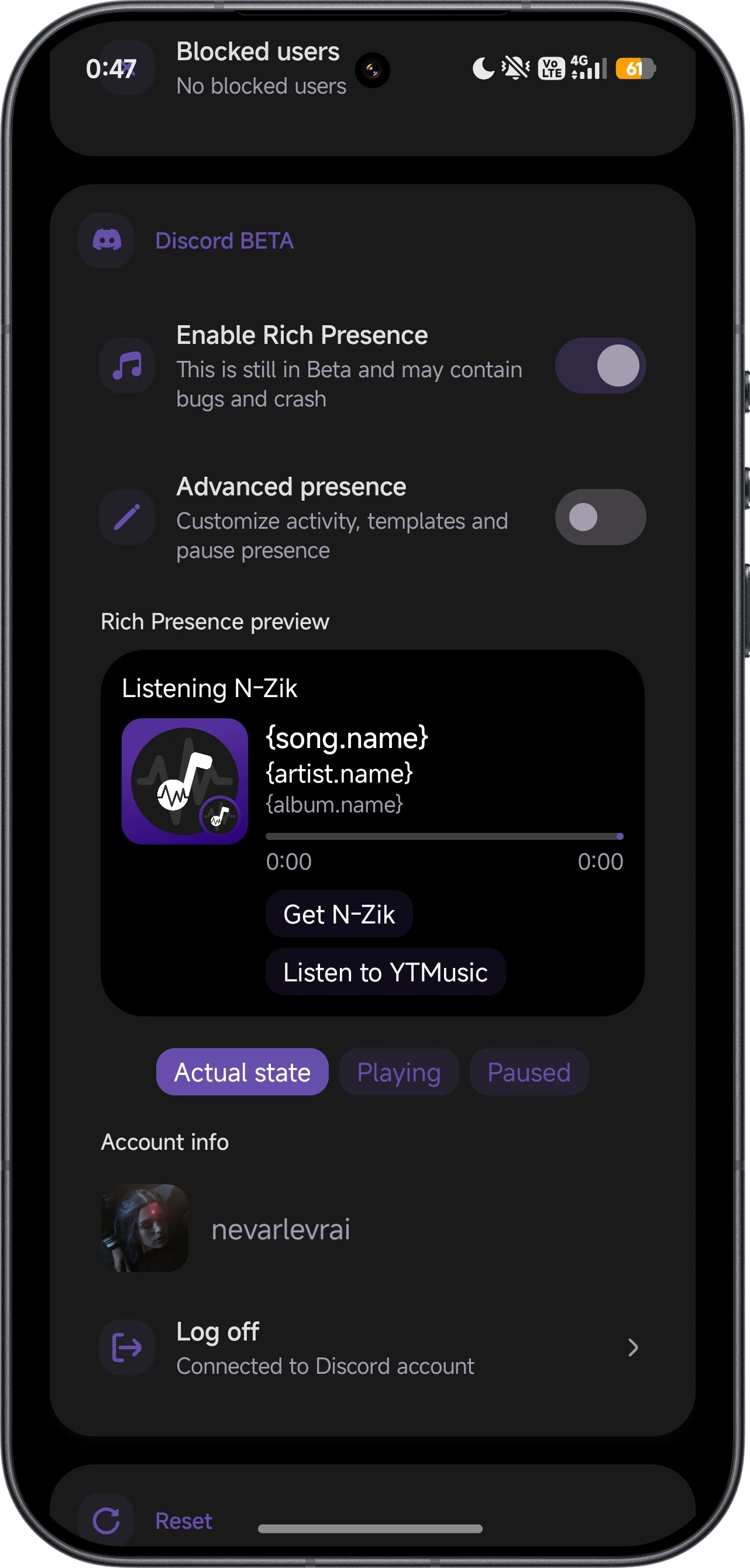
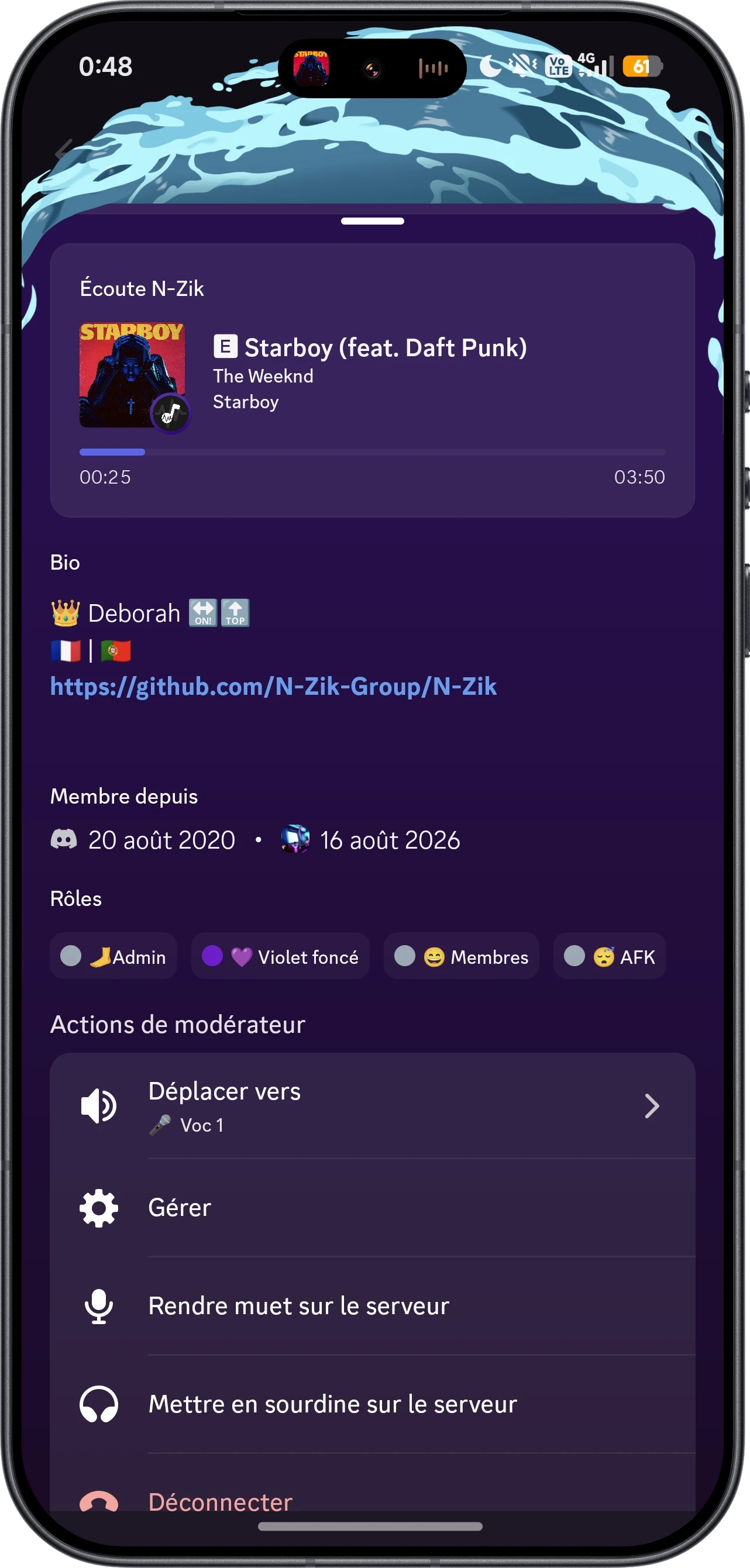
Discord RPC.
Show off your current musical vibe by displaying your playing track directly on your Discord profile.


Theme Presets.
Choose from 6 beautifully crafted visual themes to personalize your music experience.
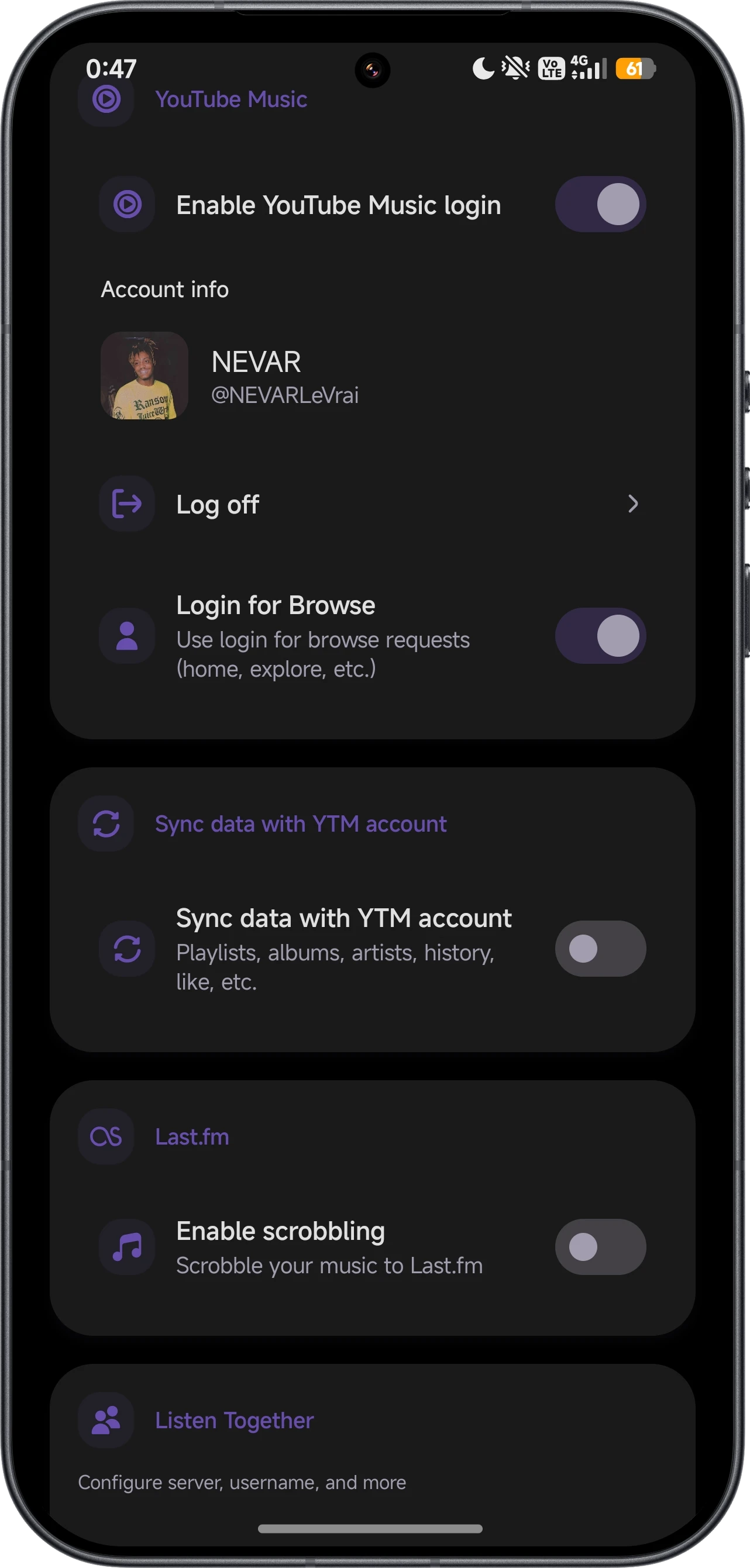
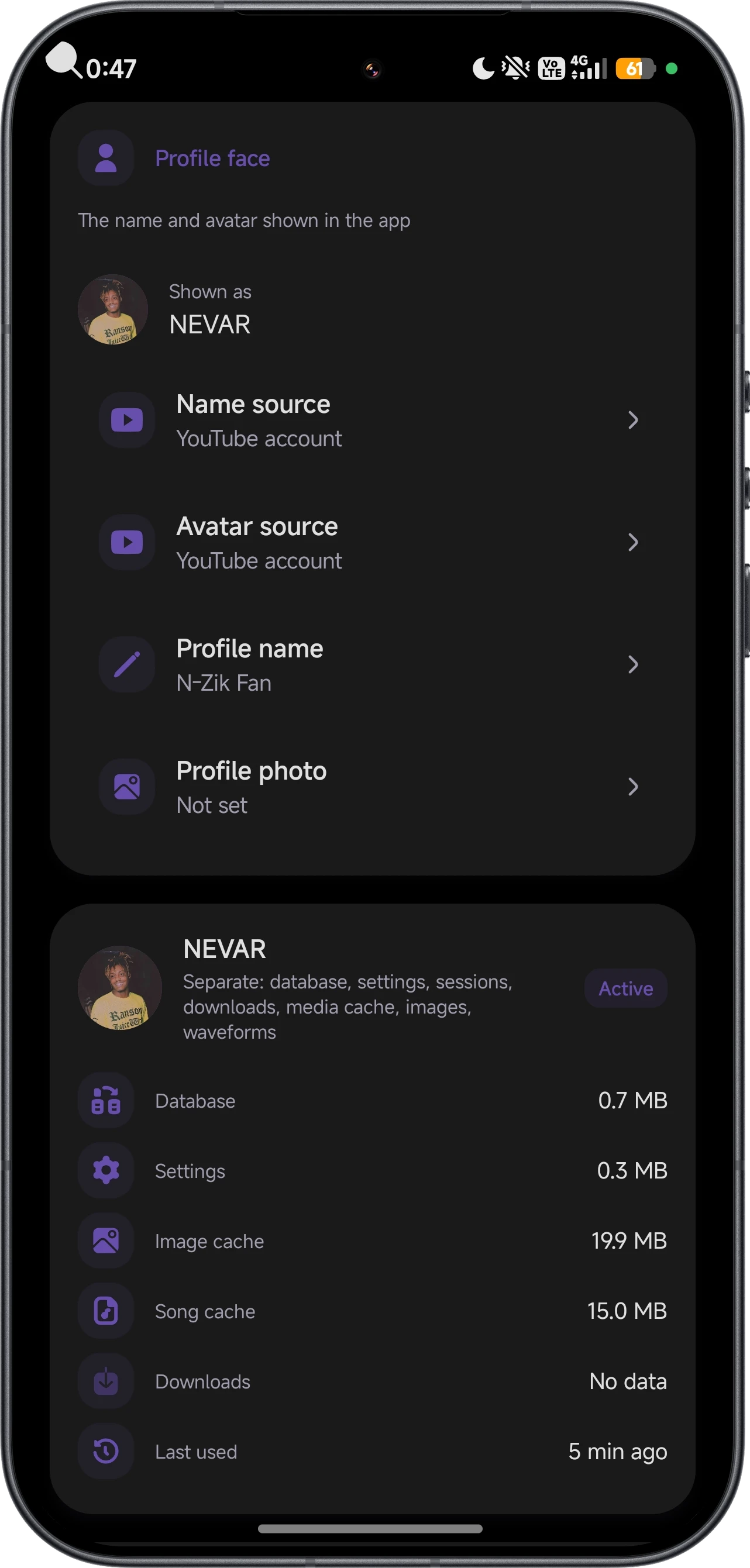
Multiple Profiles.
Connect your accounts and customize the app: sync with YouTube Music, enable Discord RPC and Last.fm scrobbling, and switch between multiple in-app profiles, each with its own name, avatar, database and settings.
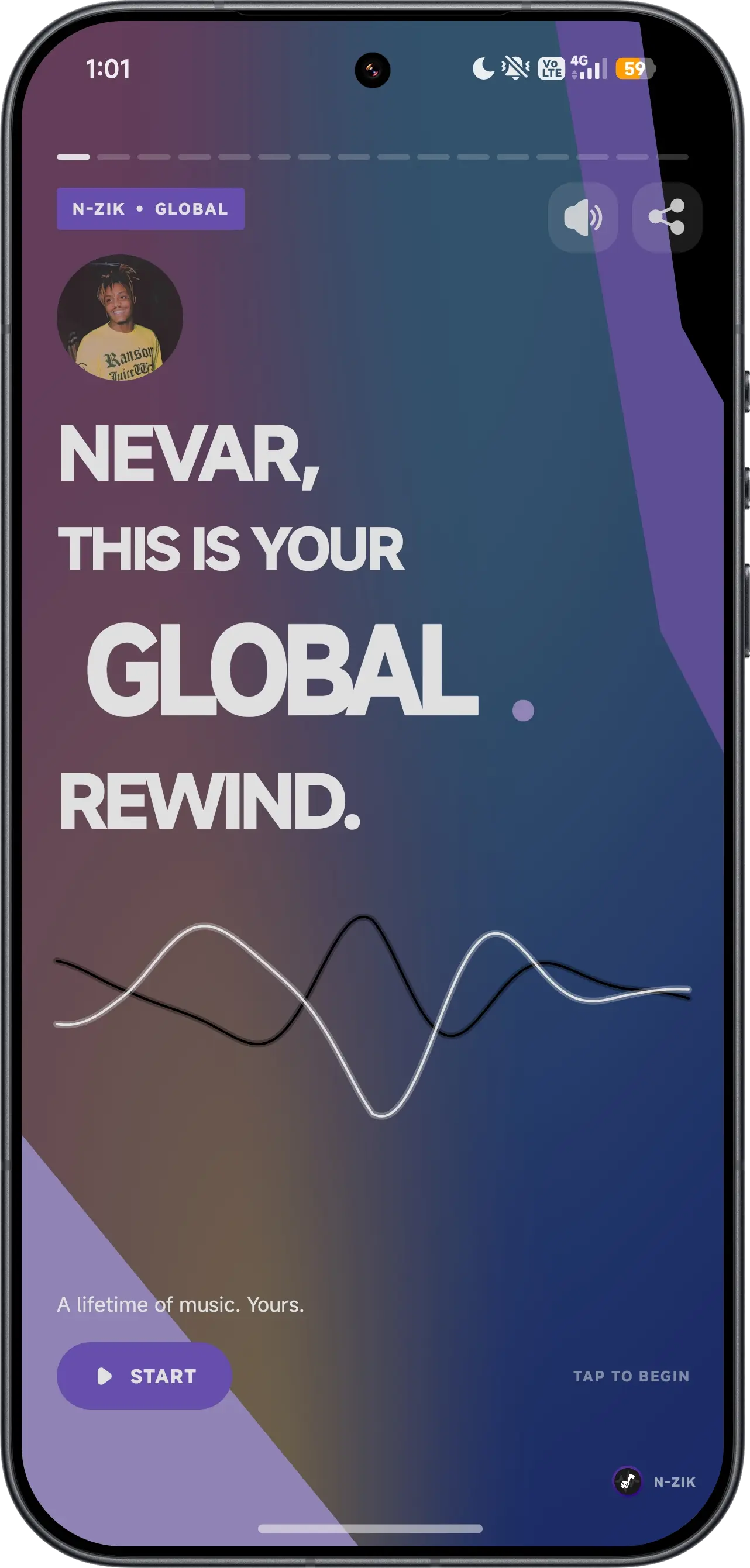
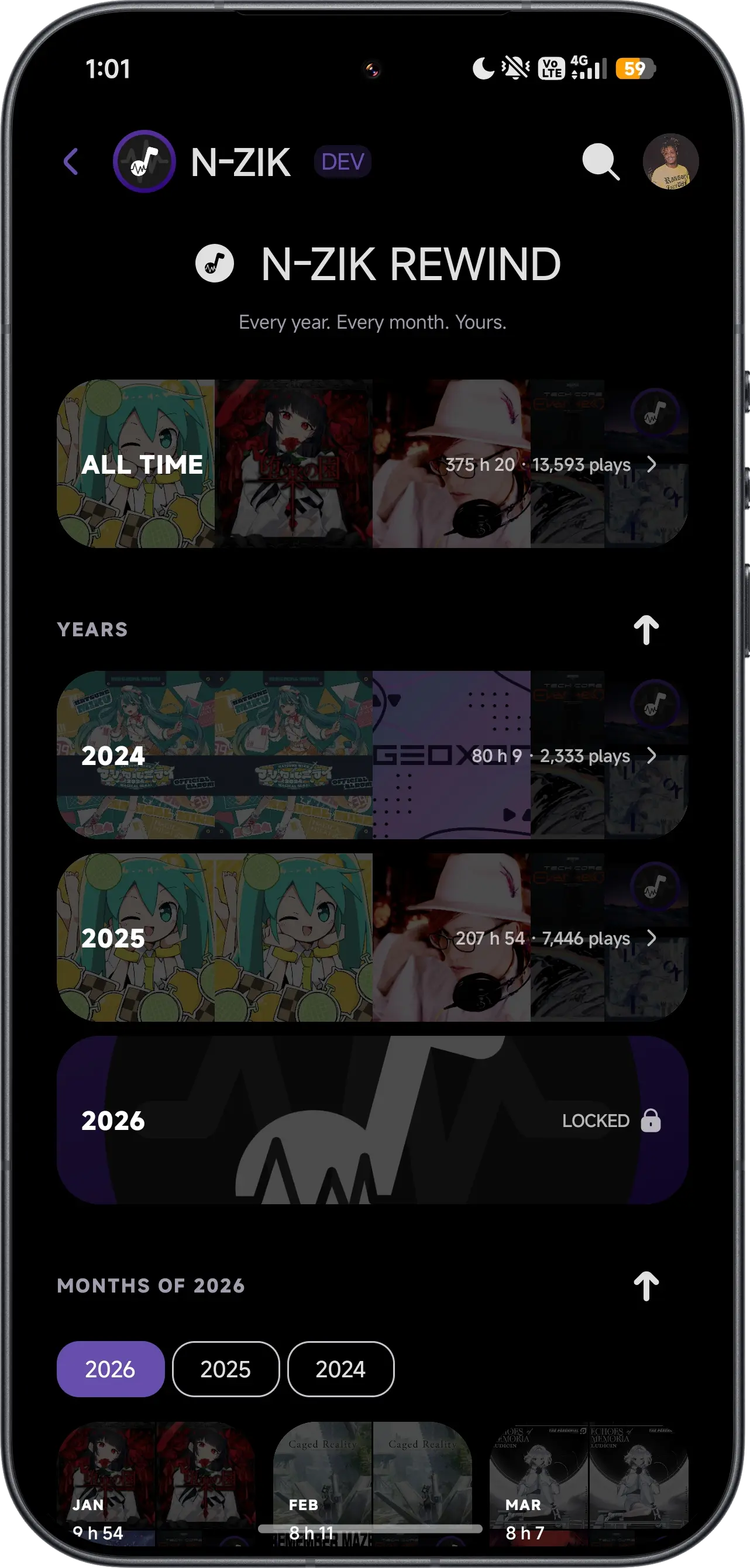
N-Zik Rewind.
Relive your listening with personalized recaps. Every year, every month, all yours.
Smart Offline Caching.
Automatically cache songs for offline playback with customizable limits, or download tracks for permanent access.
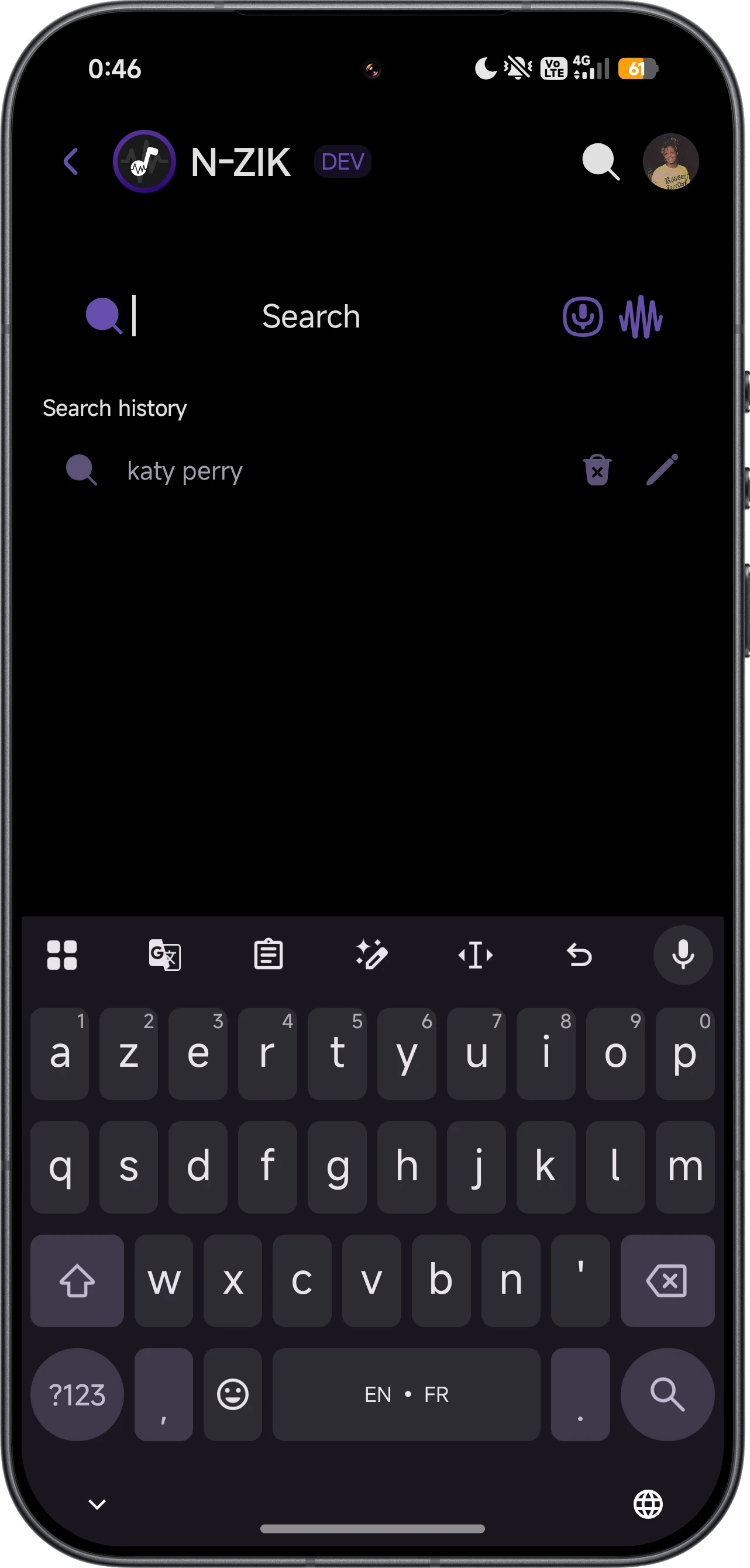
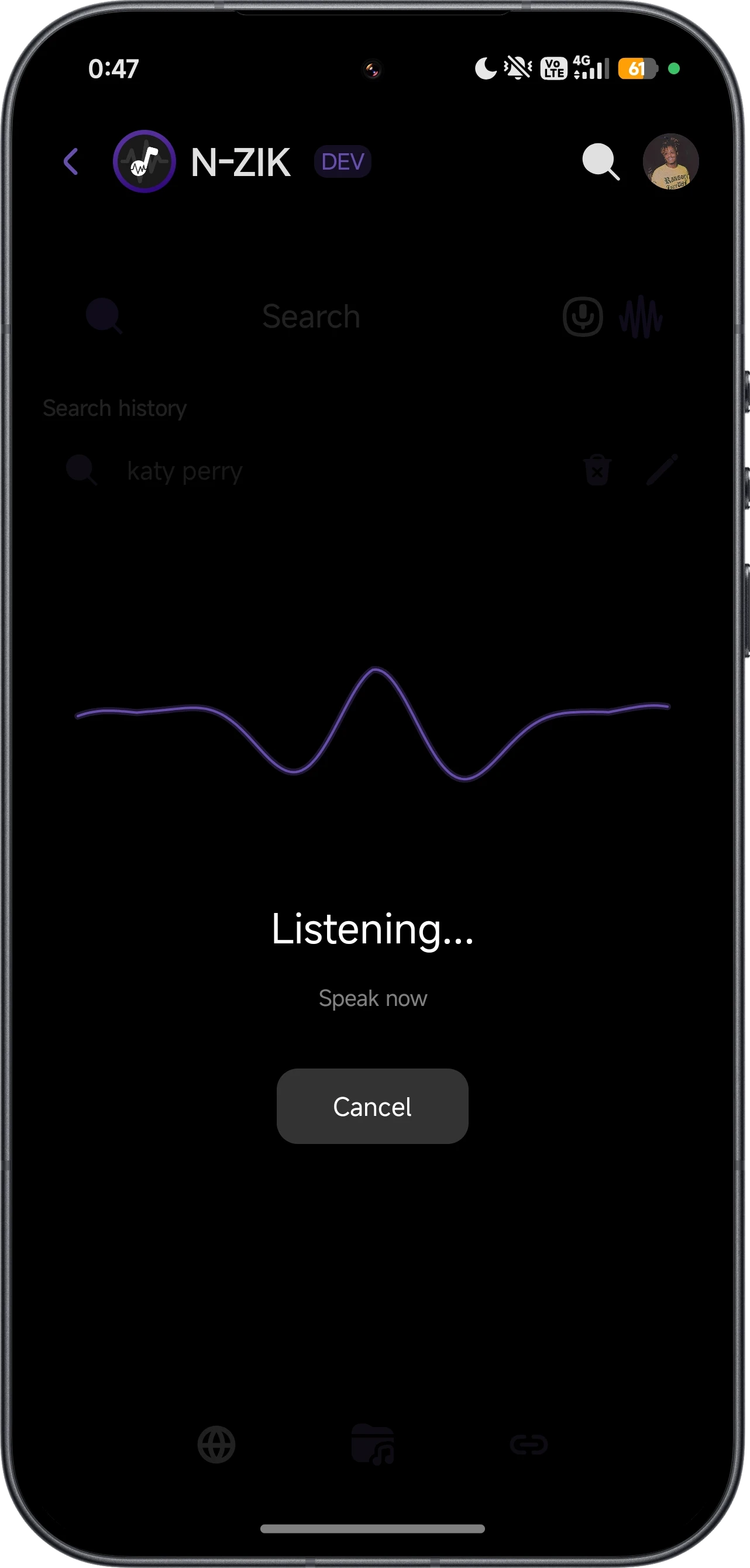
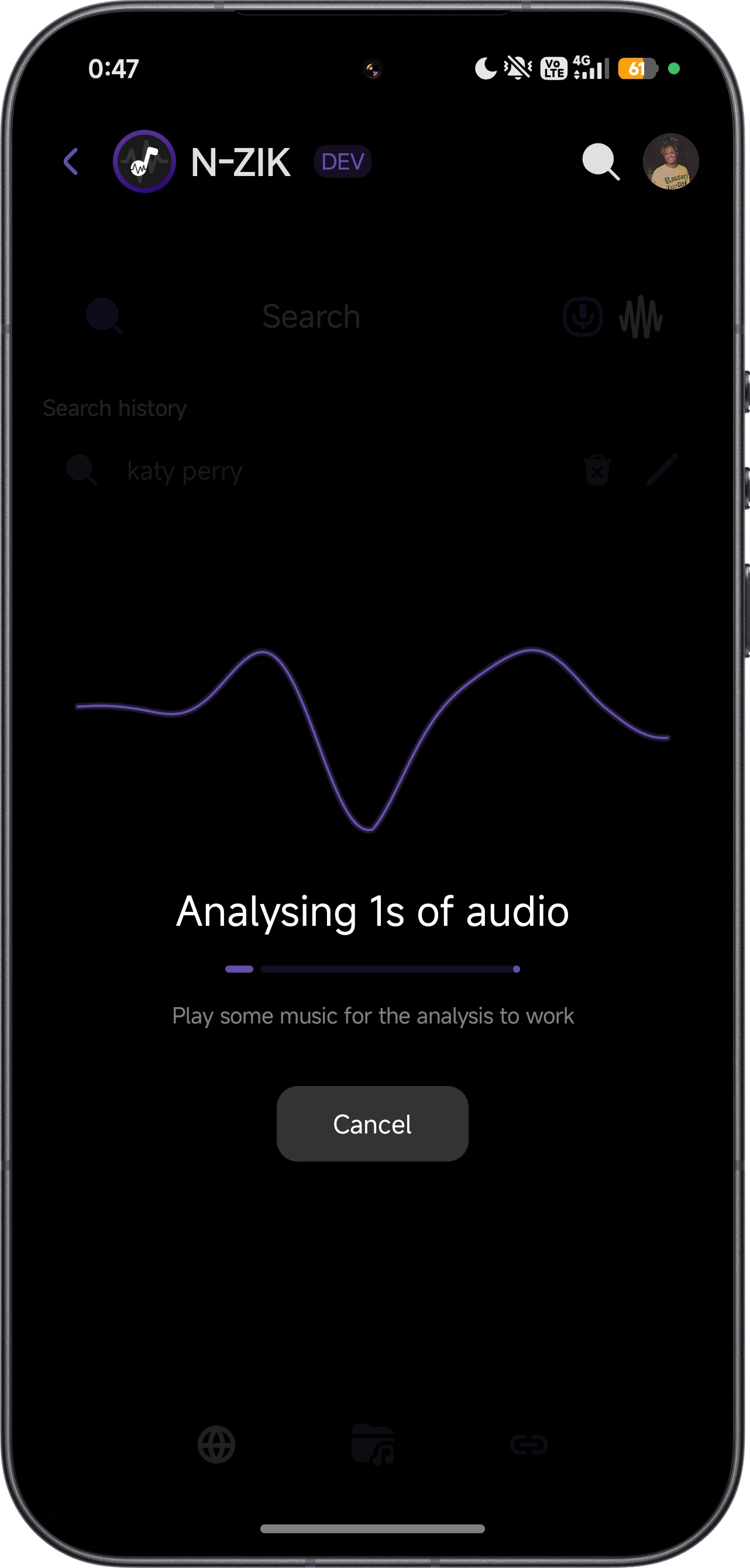
Search & Voice Search.
Easily find your favorite tracks, albums, and artists, even with your voice.
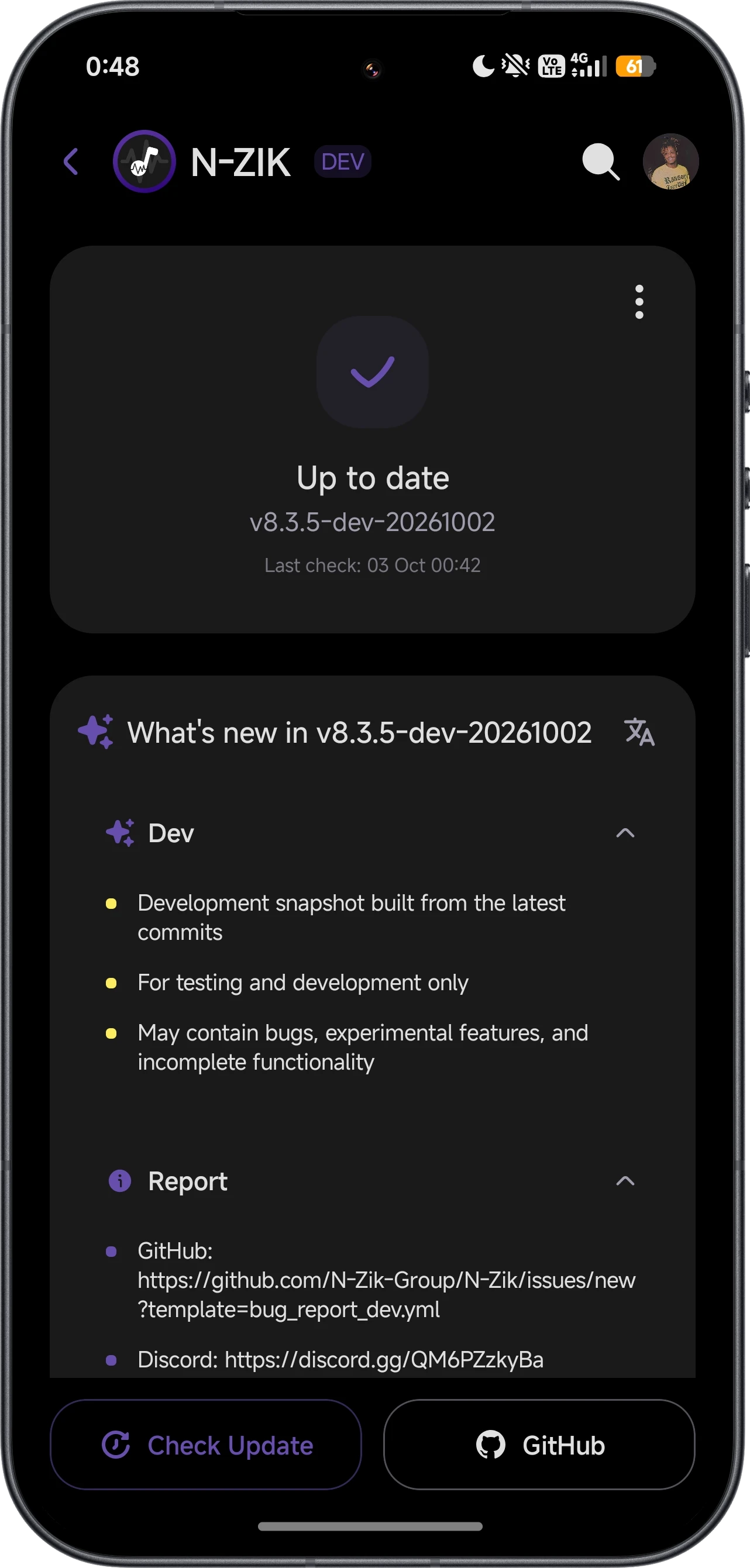
OTA Updates.
Receive automatic in-app updates directly from GitHub without needing to manually download new APKs.

Carousel Player View.
Enjoy a unique, visually stunning 3D carousel view for your music playback.
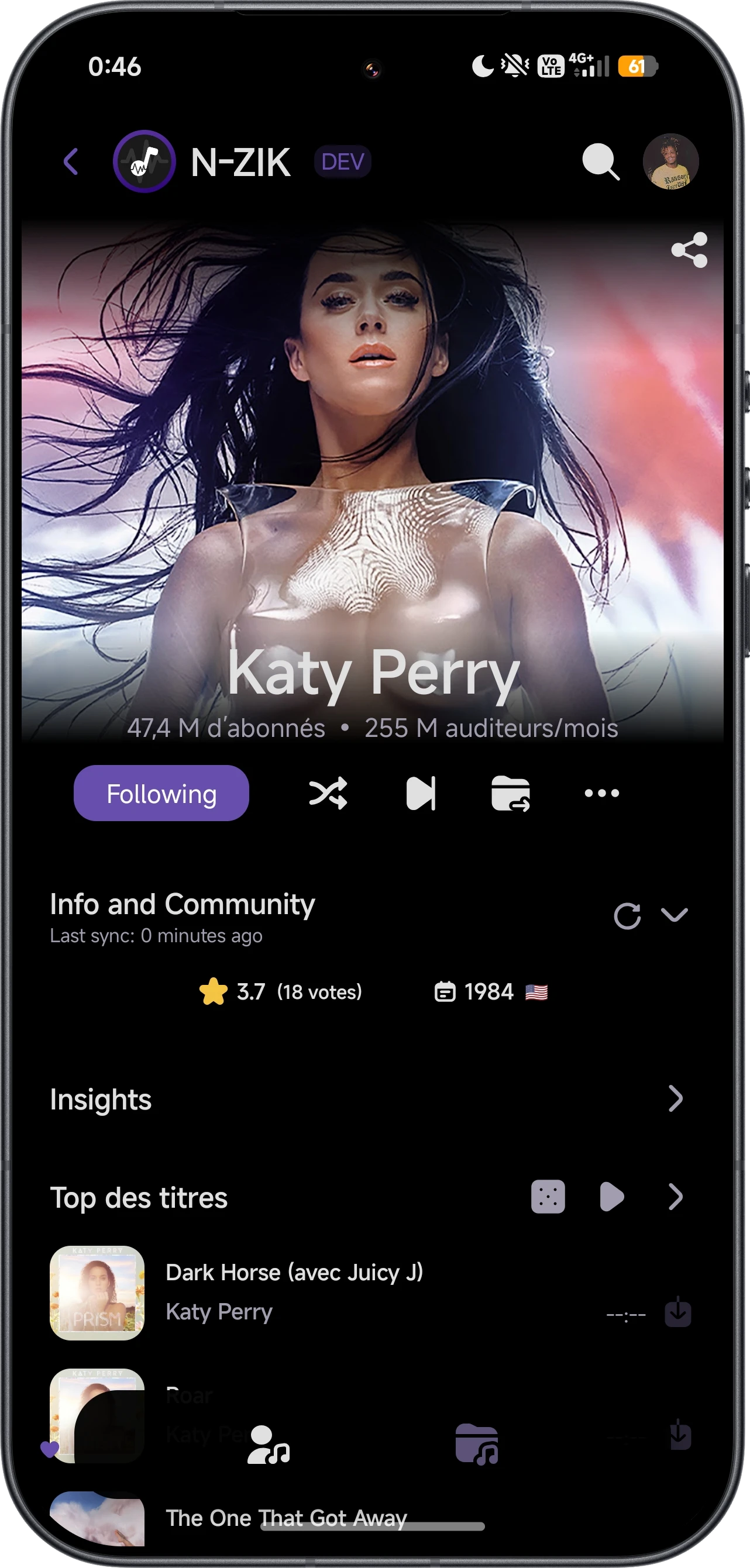
Detailed Artist Profiles.
Explore comprehensive artist profiles with top tracks, albums, and similar artists.
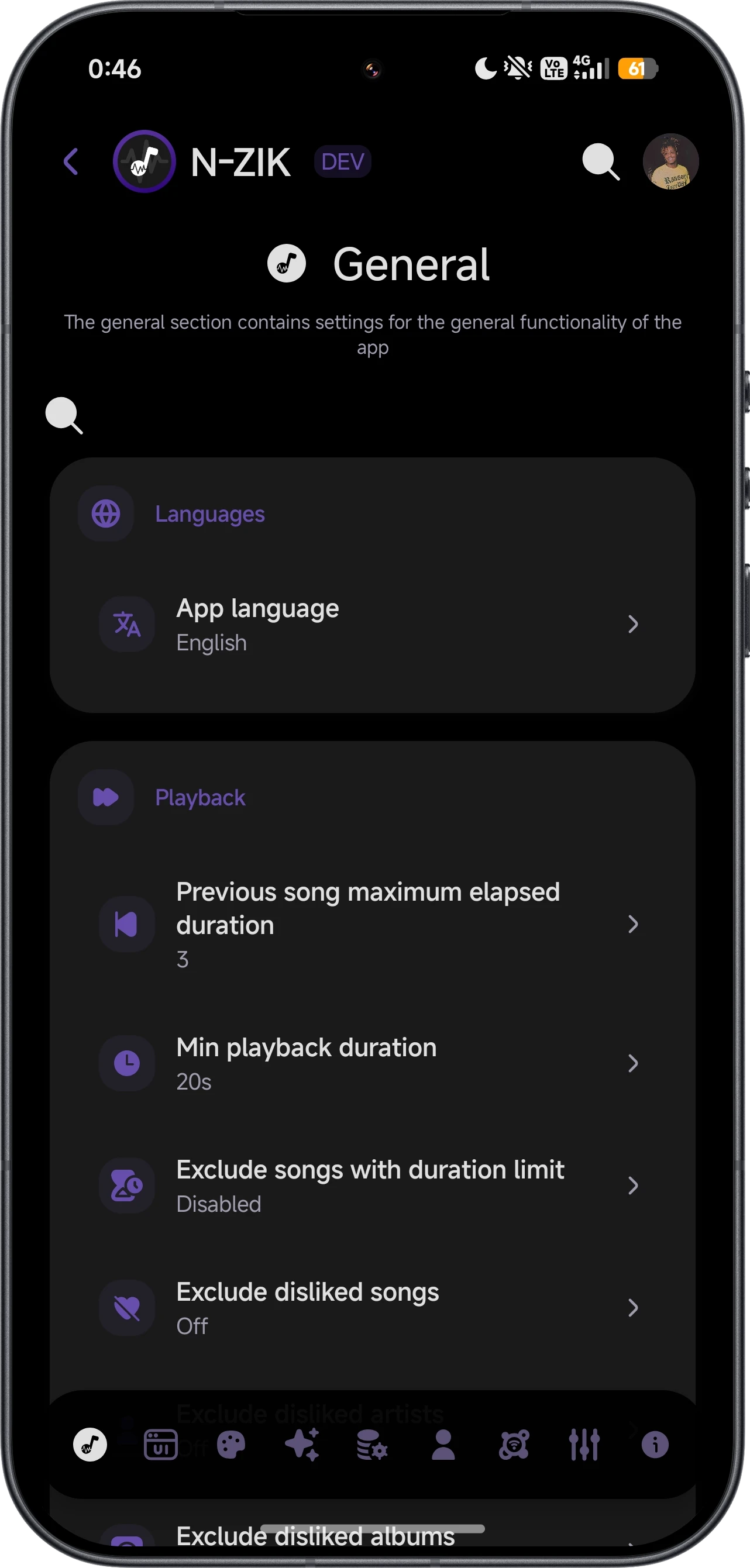
Advanced Audio Controls.
Customize your experience with advanced audio controls, backup/restore features, and more.
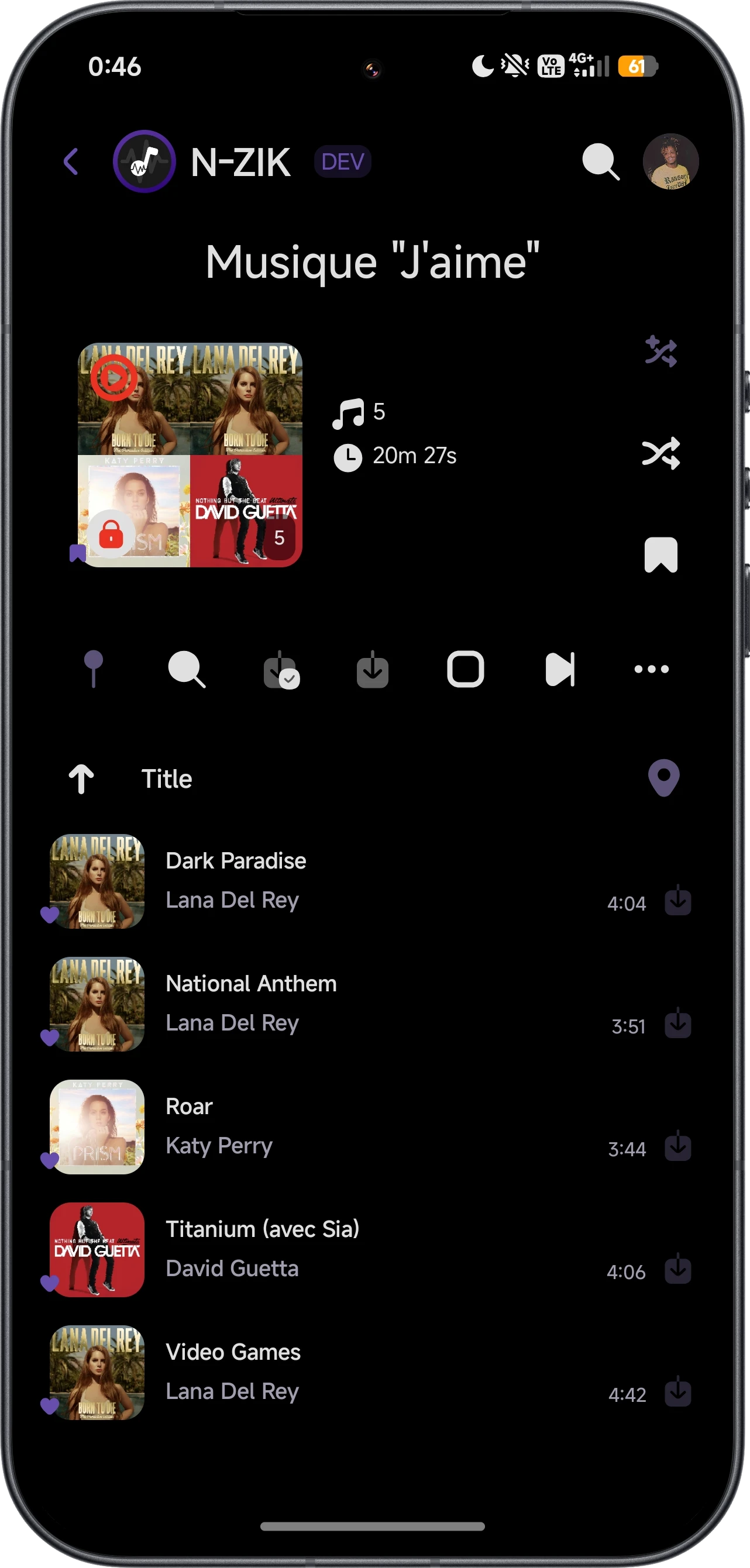
Playlist Management.
Easily create, import, export, and manage your playlists in one unified interface.


Playback Queue.
Keep track of what's playing next, rearrange songs on the fly, and manage your upcoming tracks.
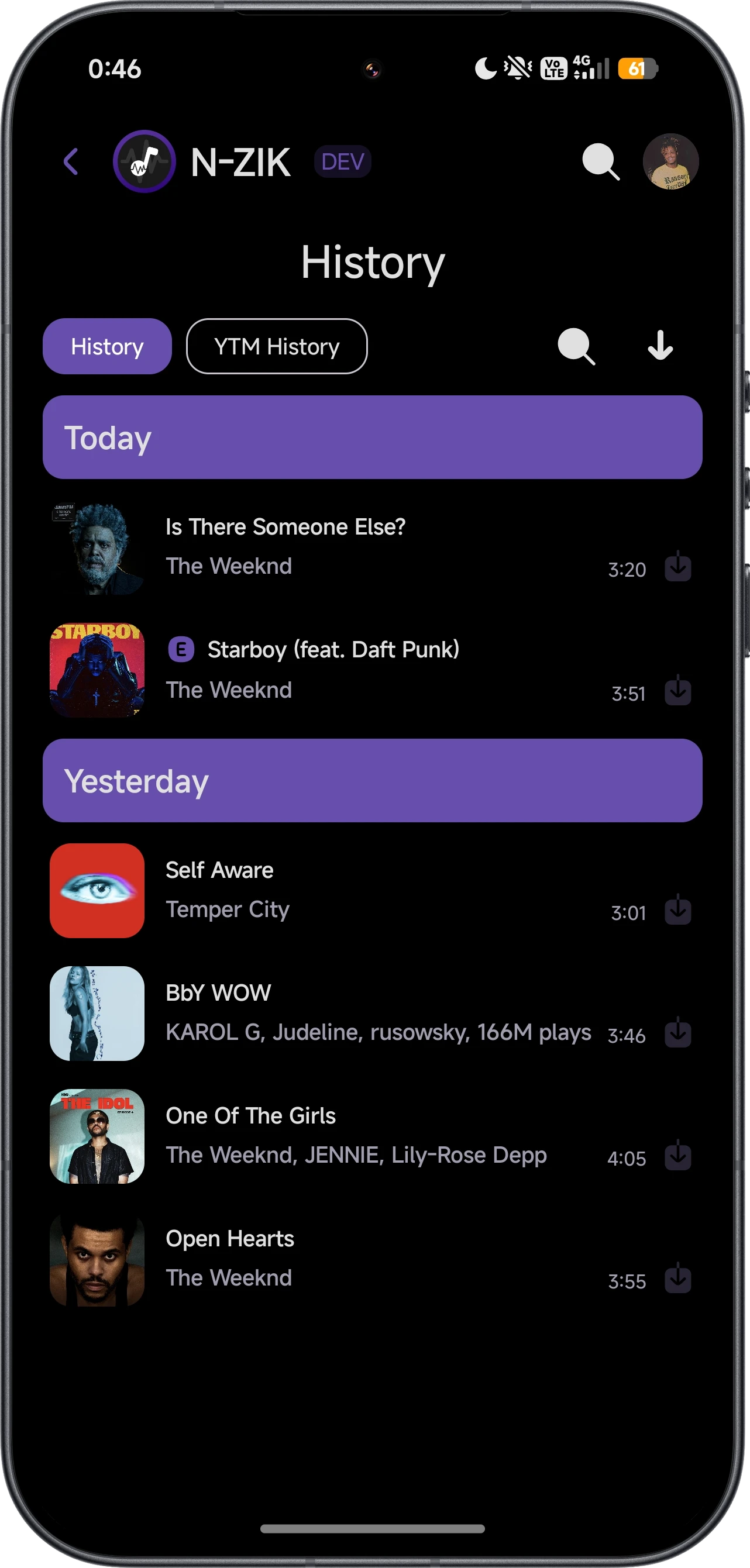
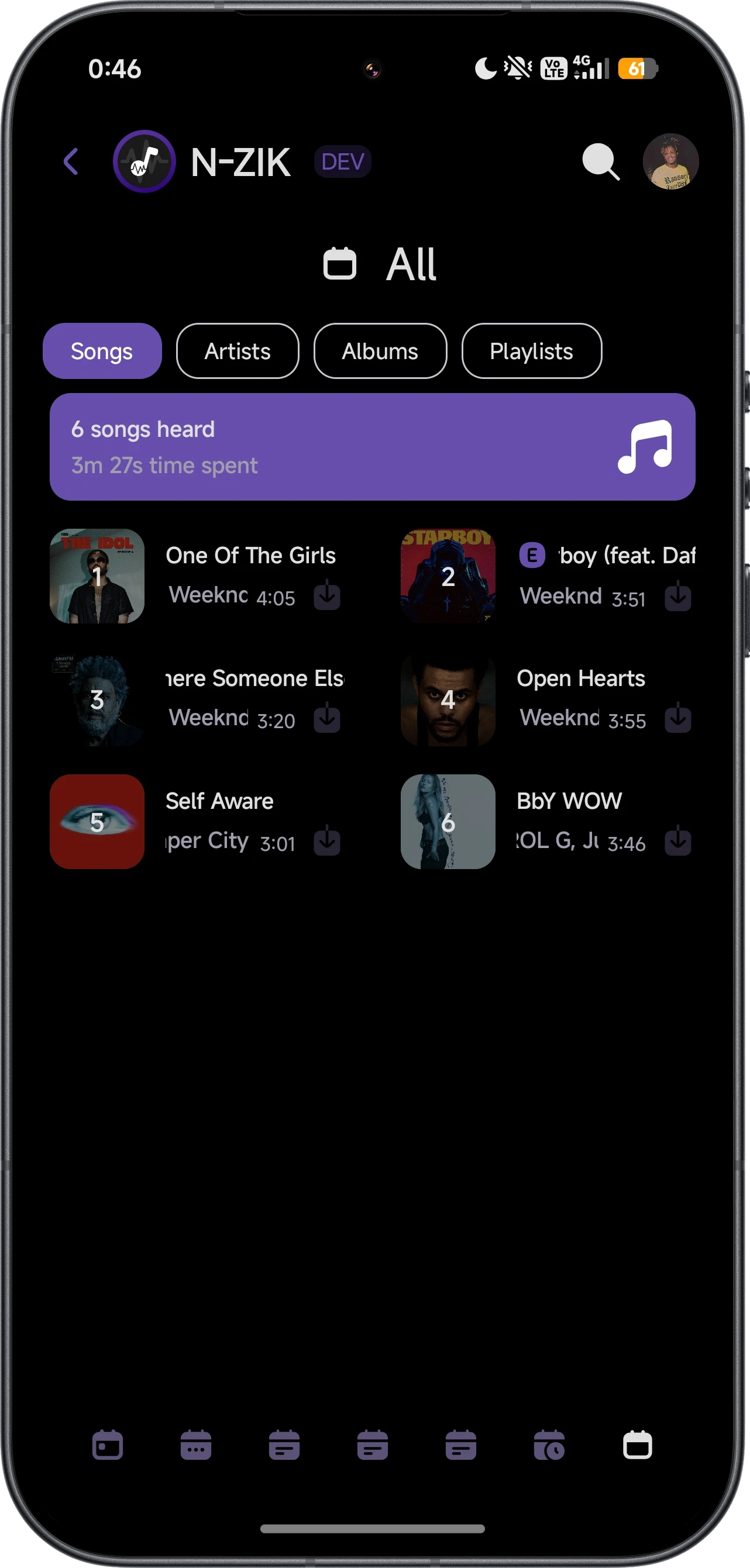
Complete History.
Never lose a song you loved. Access your complete listening history at any time.
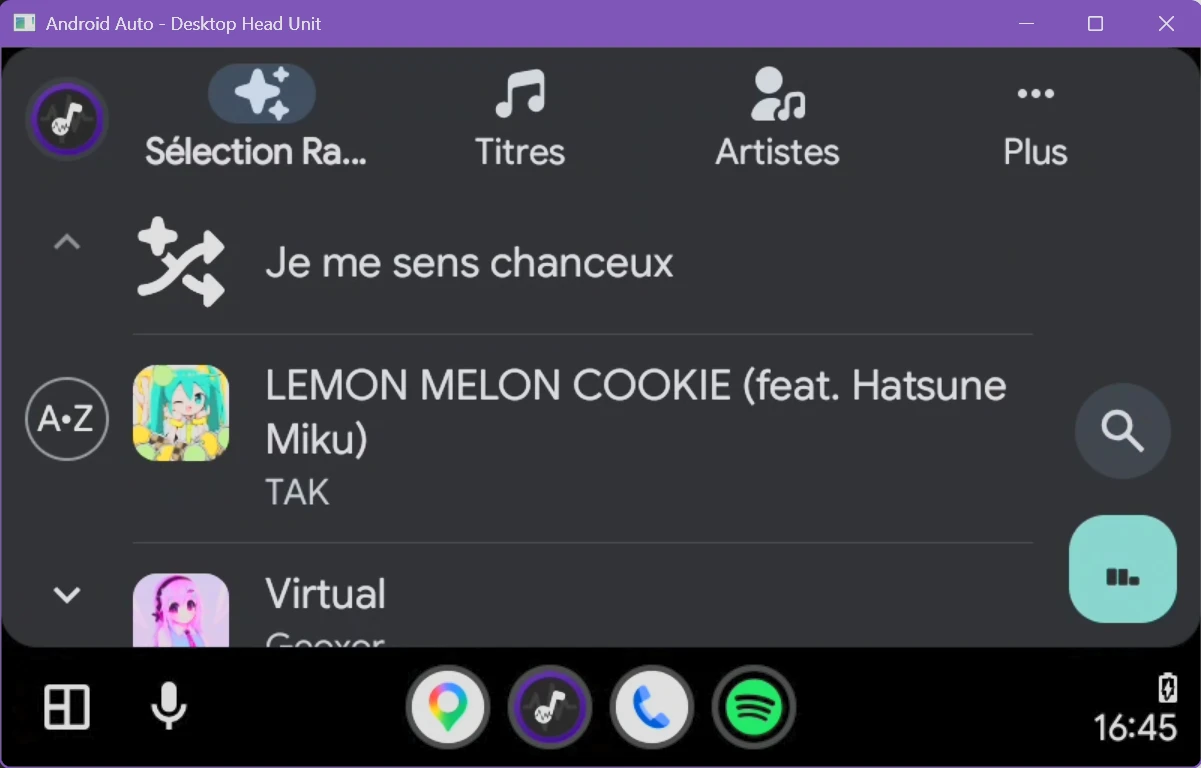
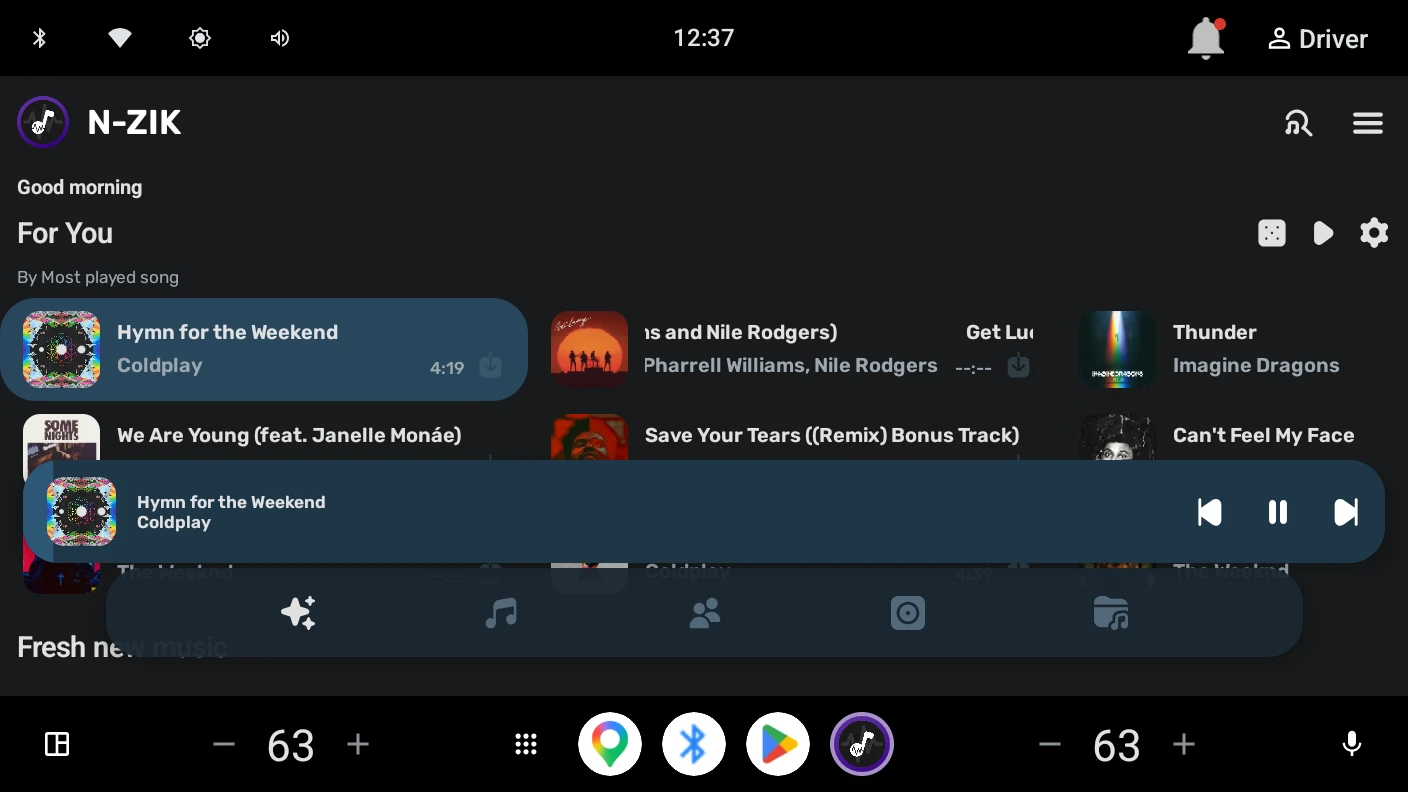
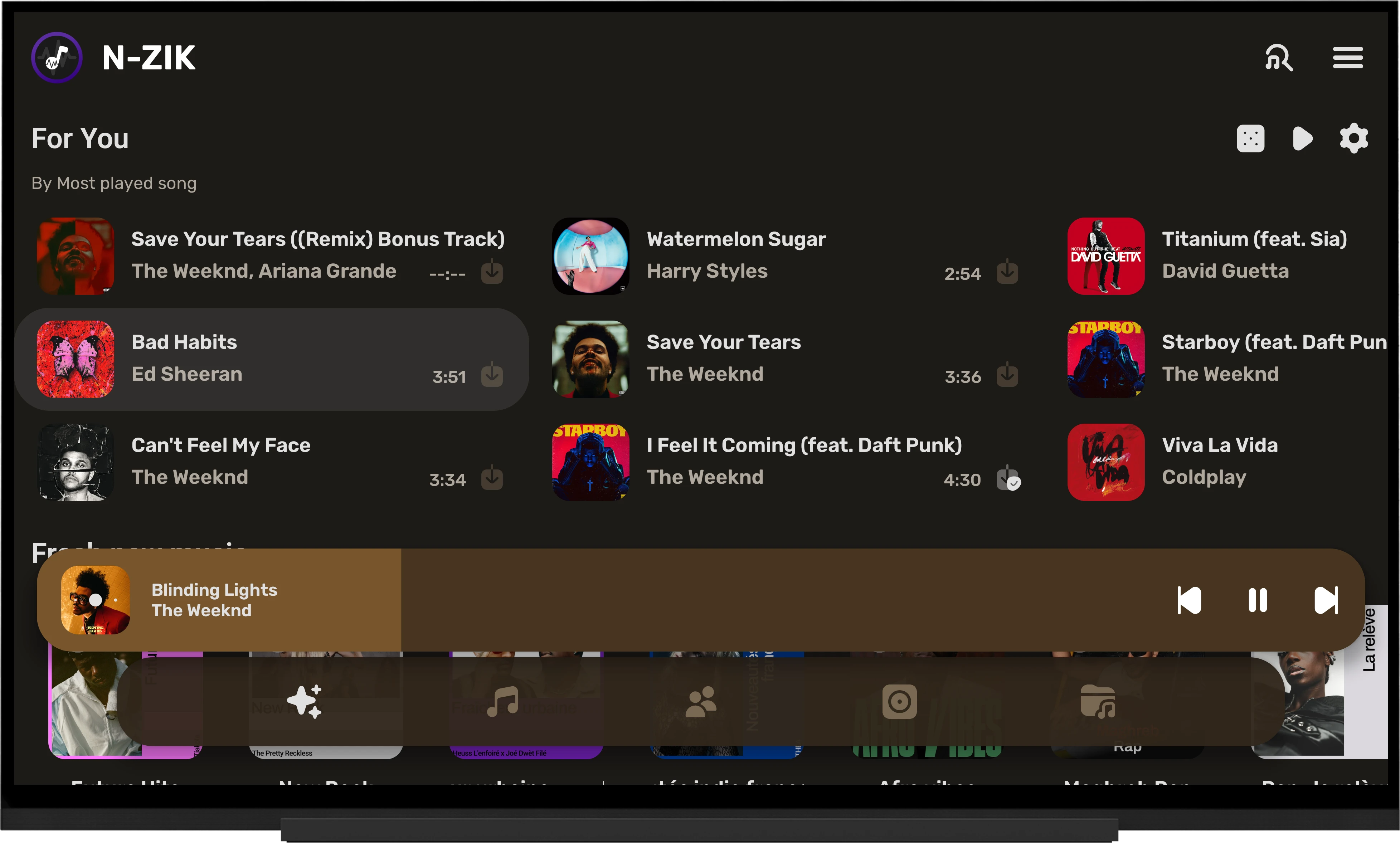
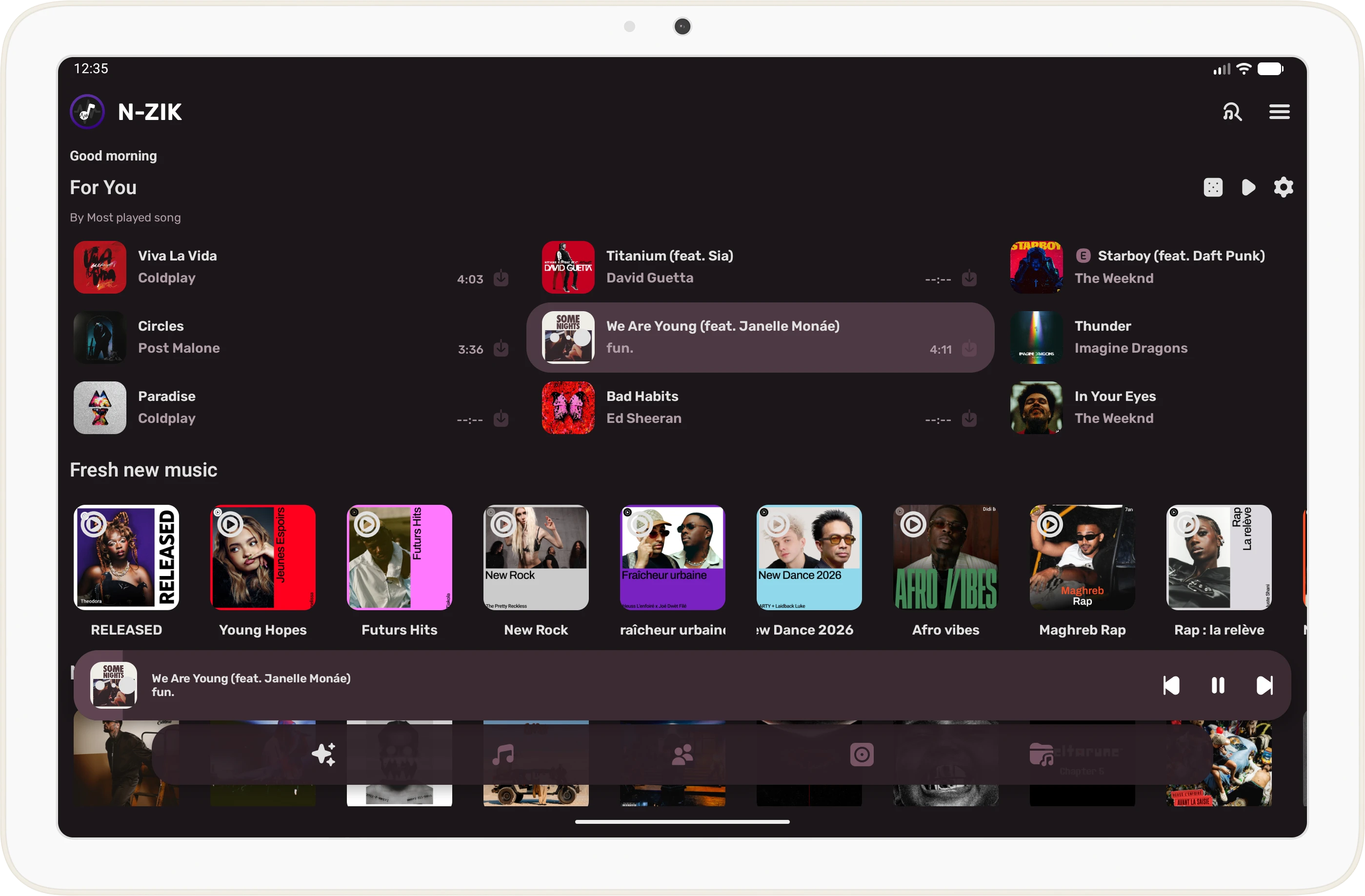
Multiple Device Compatibility.
Enjoy your music everywhere! N-Zik is compatible with Android Mobile, Android Tablet, Android Auto, Android Automotive, and Android TV. Support for Wear OS is planned.